

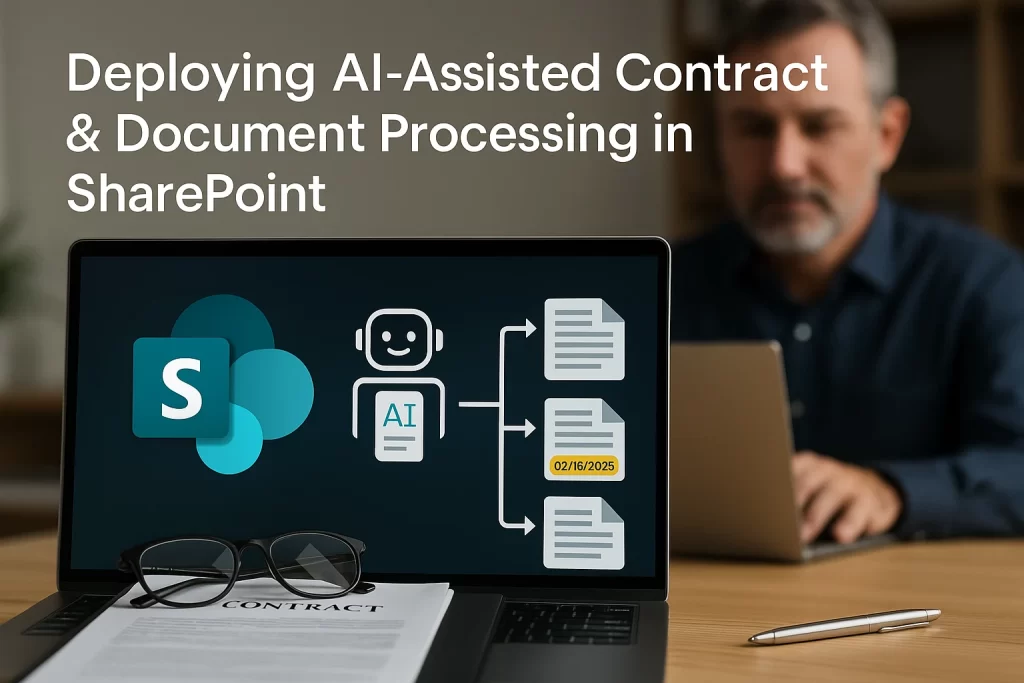
AI‑Assisted Contract & Document Processing in SharePoint helps teams handle legal papers faster and smarter. It’s like having a virtual helper that reads contracts, highlights key info, and flags issues. In this article, you’ll learn what it means, why it matters, and how to set it up with ease.
What Is AI‑Assisted Document Automation?
Contract processing automation means using AI to read and extract details from documents. For example, it can pick out dates, client details or obligations. This makes handling contracts easy and less stressful..
Core Concepts & Benefits
Here are the main benefits of using AI‑Assisted processing in SharePoint:
- Speed up document review: AI flags critical dates and clauses fast.
- Reduce human errors: It finds missing info or inconsistent terms.
- Boost compliance: It ensures no key parts get overlooked.
- Save time and focus: Teams focus on strategy, not scanning pages.
How to Deploy AI‑Assisted Contract Processing
- Check requirements
- You need SharePoint Online and Microsoft Purview or AI Builder licenses.
- Install your AI model
- Use AI Builder or Power Automate to add contract model.
- Connect to SharePoint
- Set up a library for contracts.
- Create a flow that triggers AI when files upload.
- Extract info and tag metadata
- AI reads document, extracts fields, and writes metadata.
- Review and validate
- Have people double-check AI-extracted data.
- Correct or refine fields if needed.
- Set alerts and workflows
- Use Power Automate to alert stakeholders before dates.
- Trigger approval workflows automatically.
Real‑Life Metaphors & Examples
Imagine you run a subscription business. Contracts renew automatically. AI scans the contract and alerts you 30 days before renewal.
Or think of a rental agency. AI flags missing tenant signatures or unclear clauses. That way, nothing slips through.
It’s like having a stopwatch and checklist built into your document system.
Common Mistakes & How to Avoid Them
| Mistake | Fix |
| No sample contracts | Train your AI with real examples for accuracy. |
| Skipping validation | Always review AI results before approving. |
| Poor metadata structure | Plan fields before deployment for consistency. |
| No updates or governance | Review AI performance and update models regularly. |
Avoid these to keep your system reliable.
Tools & Platforms That Help
- AI Builder: Lets you create models that read contracts.
- Power Automate: Builds flows to process documents in SharePoint.
- Microsoft Purview: Adds compliance and classification for contracts.
- Azure Form Recognizer: For advanced layout and table extraction.
Conclusion
AI‑Assisted Contract & Document Processing in SharePoint brings speed, accuracy, and peace of mind. With clear steps and the right tools, you can:
- Detect key clauses fast.
- Reduce manual errors.
- Stay on top of deadlines.
- Free your team for higher-value work.
Managing contracts manually is time-consuming and prone to errors. 200OK Solutions brings you a smarter way to handle legal and business documents with AI-driven automation inside SharePoint. Our solution uses AI Builder, Microsoft Purview, and Power Automate to read contracts, extract key details, flag issues, and trigger workflows—automatically. Whether you’re tracking renewal dates, detecting missing fields, or ensuring compliance, we help streamline your process from start to finish. Empower your legal, procurement, or compliance teams to work faster, more accurately, and with complete peace of mind.

What’s the Real ROI of SharePoint Syntex for Your Organisation?
Get a practical ROI calculator + implementation checklist used by enterprises to modernize SharePoint with AI, without trial-and-error.
